
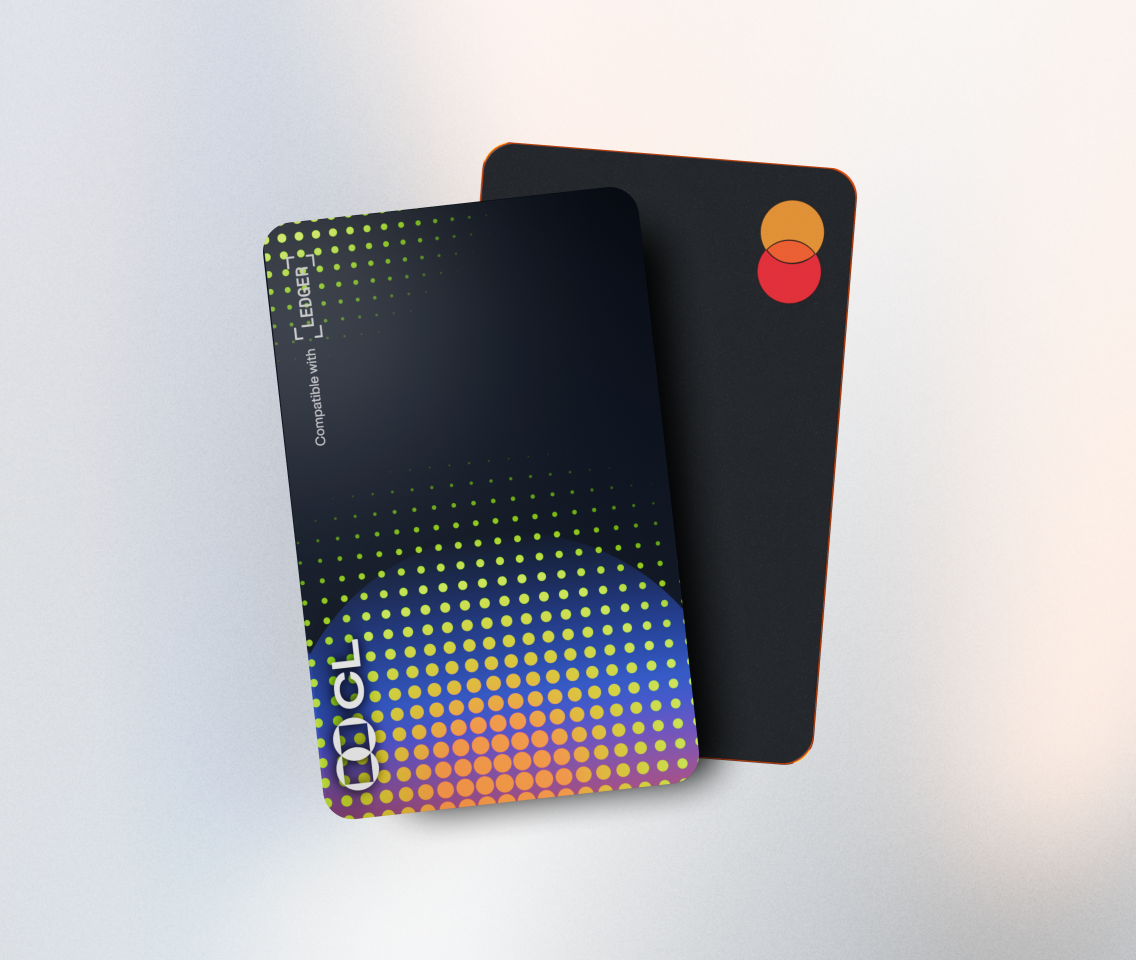
Staking Cardano (ADA) with a Ledger device is an excellent way to earn passive income while contributing to the security and decentralization of the Cardano network. Here's a detailed guide on how to stake your ADA using a Ledger wallet.
Step 1: Set Up Your Ledger Device First, ensure your Ledger device is properly set up. If you're a new user, follow the instructions provided by Ledger to initialize your device. This typically involves creating a PIN and writing down your recovery phrase. Make sure to store your recovery phrase in a safe and secure place, as it's crucial for accessing your funds in case of loss or damage to your device.
Step 2: Install the Cardano App on Your Ledger Connect your Ledger device to your computer and open the Ledger Live application. Navigate to the "Manager" section in Ledger Live. Search for the "Cardano" app and click the install button. Wait for the installation to complete. This app will allow you to manage your ADA tokens directly on your Ledger device.
Step 3: Fund Your Ledger Wallet with ADA To stake ADA, you need to have some ADA in your wallet. You can transfer ADA from an exchange or another wallet to your Ledger wallet. In the Ledger Live app, go to the "Accounts" section and select the Cardano account. Copy the receiving address and use it to transfer your ADA. Make sure to double - check the address to avoid any errors.
Step 4: Choose a Staking Pool Cardano uses a delegated proof - of - stake consensus mechanism, which means you can delegate your ADA to a staking pool. There are many staking pools available, each with different characteristics such as fees, performance, and reputation. Research different staking pools before making a decision. For example, some well - known staking pools have a long - standing history of reliable performance and low fees. You can find information about staking pools on Cardano - specific websites or forums.
Step 5: Delegate Your ADA Once you've chosen a staking pool, open the Cardano app on your Ledger device. In the Ledger Live app, go to your Cardano account and click on "Delegate". Select the staking pool you've chosen from the list. Follow the prompts on both the app and your Ledger device to confirm the delegation. You'll need to enter your PIN on the Ledger device to authorize the transaction.
Step 6: Monitor Your Staking Rewards After delegating your ADA, you can start earning staking rewards. In the Ledger Live app, you can monitor how much you're earning over time. The rewards are typically distributed periodically, and the amount you earn depends on the size of your stake and the performance of the staking pool. For instance, if you've delegated 1000 ADA and the staking pool has a good performance, you might earn a few ADA as rewards every month.
In conclusion, staking Cardano with a Ledger device is a straightforward process that offers an opportunity to earn passive income. By following these steps carefully, you can securely stake your ADA and start reaping the benefits of the Cardano network.
TAG: Ledger your device Step app staking ADA Cardano