
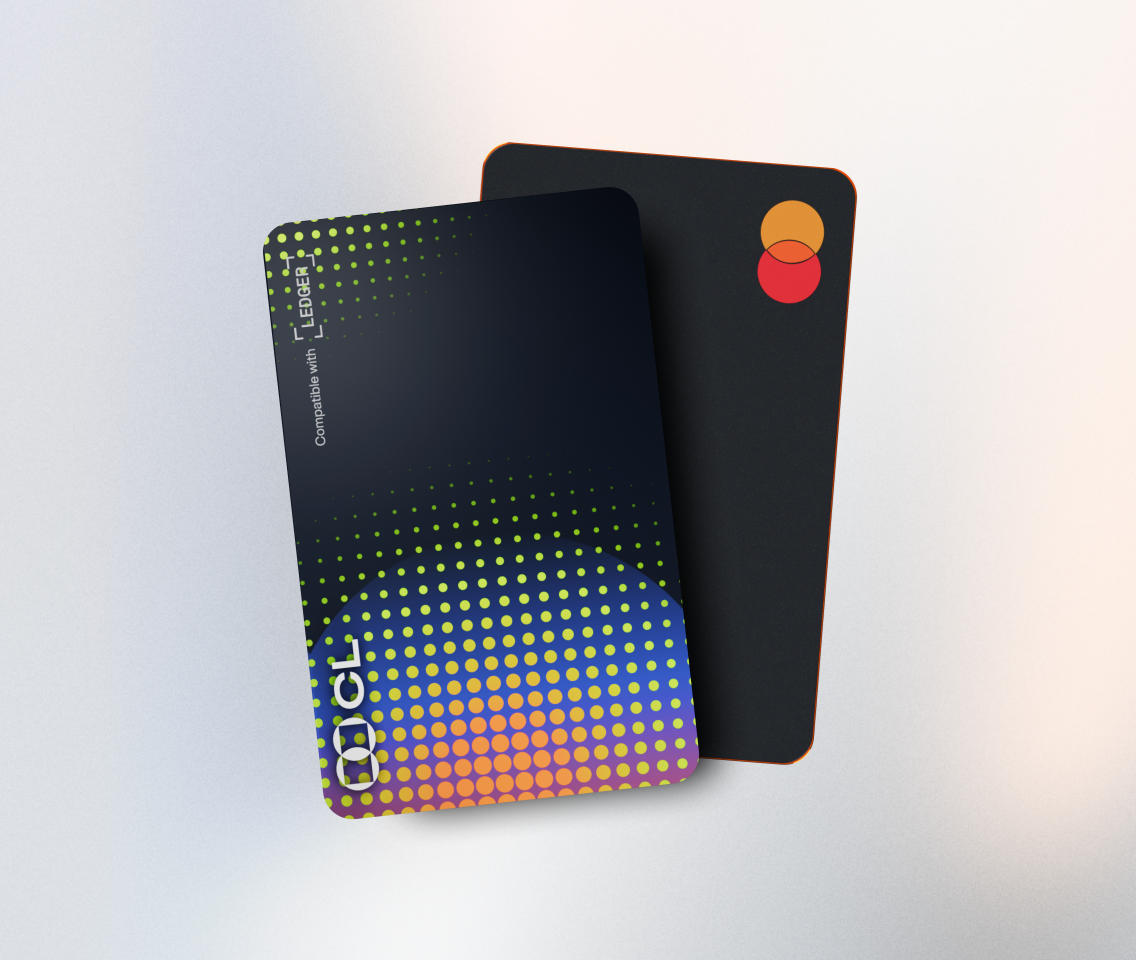
Running a full node and connecting it to a Ledger device are crucial steps in the blockchain ecosystem. A full node stores a complete copy of the blockchain, validates transactions, and helps maintain the network's integrity. Meanwhile, a Ledger device provides a secure way to manage private keys. Let's explore how to achieve these tasks.
First, understand the requirements for running a full node. Different blockchains have different hardware and software needs. For example, Bitcoin requires significant storage space as the blockchain grows continuously. You'll need a reliable internet connection, a powerful CPU, and ample RAM. Make sure your operating system is compatible with the node software. For instance, Ethereum nodes can run on Windows, macOS, or Linux.
Next, choose the appropriate node software. There are often multiple options available for each blockchain. For Bitcoin, you can use Bitcoin Core, which is the original and most widely - used full - node implementation. It's open - source and has a large community for support. For Ethereum, Geth and Parity (now OpenEthereum) are popular choices. Each software has its own features and trade - offs.
Once you've selected the software, download and install it following the official documentation. This usually involves downloading the installer, running it, and following the on - screen prompts. During the installation, you may need to configure settings such as the data storage location and network ports.
After the node is installed, start the synchronization process. This can take a long time as the node needs to download and verify the entire blockchain history. For example, Bitcoin's blockchain can take days to fully synchronize. You can monitor the progress through the node's user interface or command - line tools.
Now, let's move on to connecting your Ledger device. First, make sure your Ledger device is set up correctly with its PIN and recovery phrase. Install the Ledger Live application on your computer or mobile device. This application serves as an interface between your computer and the Ledger device.
Connect your Ledger device to your computer via USB or Bluetooth. Open the Ledger Live app and follow the prompts to pair the device. Then, install the relevant blockchain app on your Ledger device. For example, if you're using Bitcoin with your node, install the Bitcoin app on the Ledger from the Ledger Live app's app store.
The connection between the full node and the Ledger device can be established through compatible wallet software. For example, some wallets allow you to connect directly to your full node and use your Ledger device for signing transactions. This setup provides an extra layer of security as your private keys remain on the secure Ledger device.
However, there are some challenges. Running a full node can be resource - intensive, consuming a lot of electricity and storage space. Connecting a Ledger device may also encounter compatibility issues, especially if the software is not updated regularly. But the benefits, such as increased security for your digital assets and contributing to the decentralization of the blockchain network, make it a worthwhile endeavor.
TAG: Ledger your software device example Bitcoin app blockchain node full